Downloadable conversion examples
Compare actual file exports
Compare MP3, compressed images, and resized images made from the same sources. The sizes below were measured from real RAON Tools downloads, not calculated estimates.
Example 01 / Audio
One WAV, five MP3 bitrates
The source is a self-created 12-second synthetic signal: 48 kHz, stereo, 16-bit PCM, with short tones and percussive noise. It is not a real voice, performance recording, or customer file.
| Setting / download | Bytes | Reduction from WAV | Decoded duration |
|---|---|---|---|
| 96 kbps | 144,720 | 93.7% | 12.060 s |
| 128 kbps | 192,384 | 91.7% | 12.024 s |
| 192 kbps | 288,576 | 87.5% | 12.024 s |
| 256 kbps | 384,768 | 83.3% | 12.024 s |
| 320 kbps | 480,960 | 79.1% | 12.024 s |
What this result tells you
The 192 kbps export uses about 12.5% of the source bytes. The extra 0.024 seconds reflect MP3 frame padding and encoder delay in the decoded duration. We checked file size and successful decoding; this is not an expert assessment of musical quality.
For your own recording, compare speech, ambience, quiet passages, and transients. A smaller lossy MP3 is not necessarily identical in quality. Keep the source separately.
Example 02 / Image
Compression changes bytes. Resize changes pixels.
The source is an original technical image with color blocks, lettering, fine lines, and noise texture. It is not a photograph; it makes export changes to edges and texture easy to inspect.
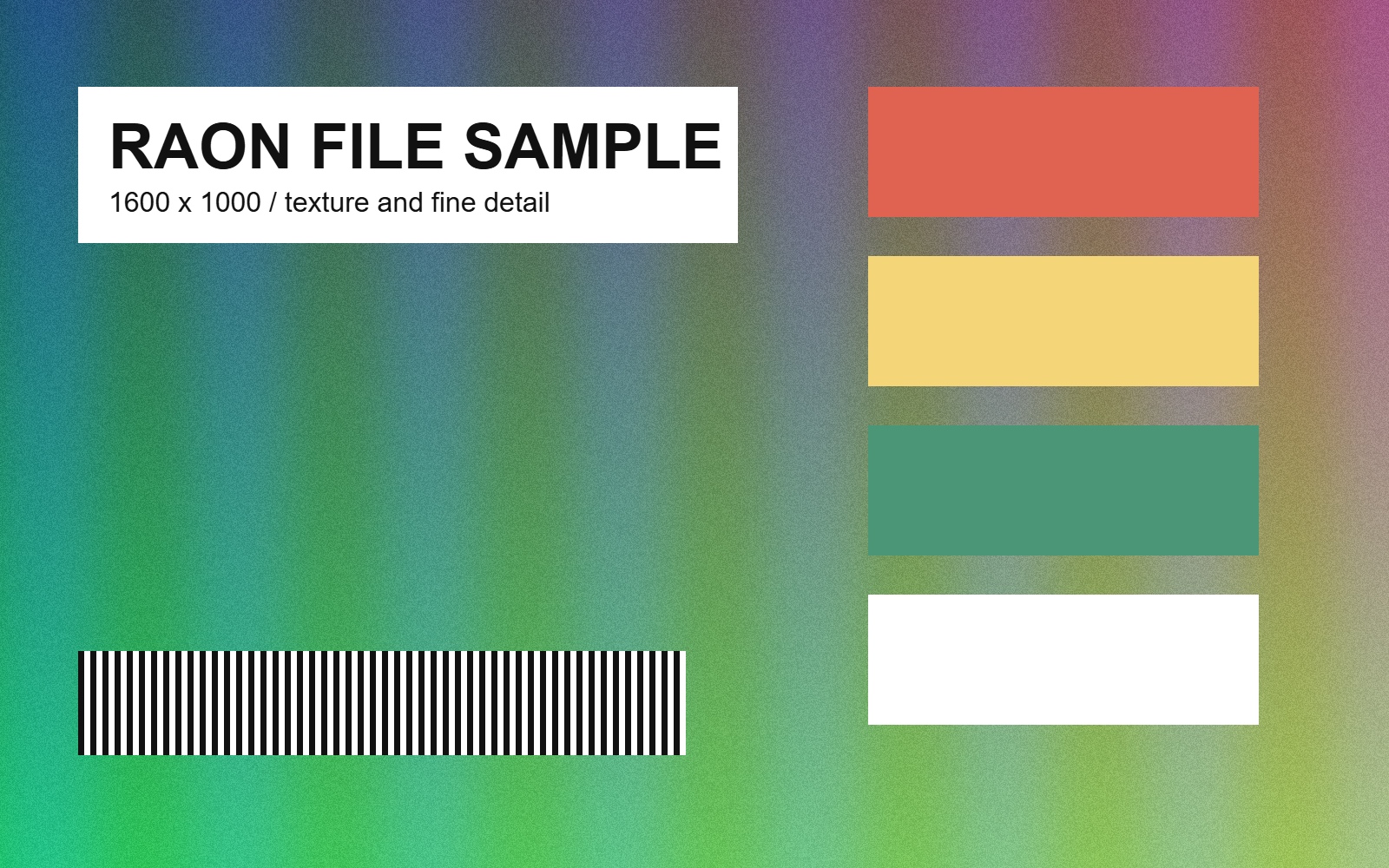
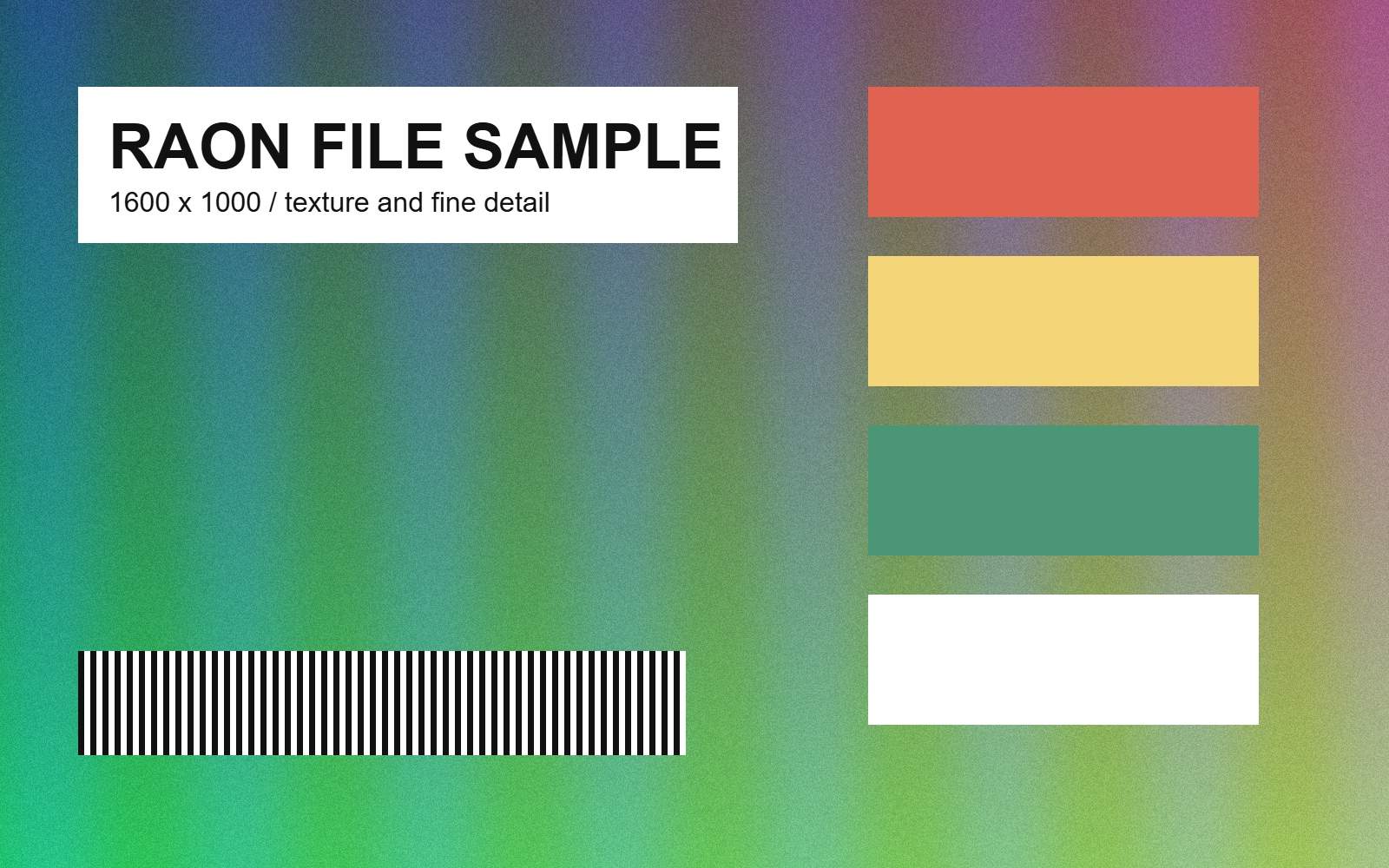
Both previews use the same display size. Download the files and view them at 100% to inspect export artifacts and the smaller resized dimensions.
| File / download | Dimensions | Bytes | Reduction |
|---|---|---|---|
| Original JPG | 1600 × 1000 | 623,910 | — |
| Compressed JPG / 65% | 1600 × 1000 | 146,629 | 76.5% |
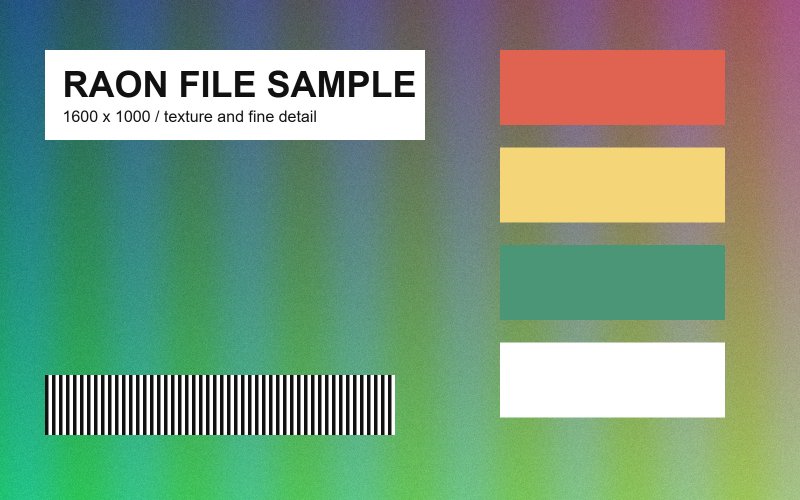
| Resized JPG / 85% | 800 × 500 | 57,042 | 90.9% |
These outputs solve different problems
Compression kept the original dimensions while reducing bytes. Resize halved both dimensions and reduced the pixel count to one quarter, keeping the whole frame without cropping. Resize also re-encodes JPG at its quality setting; the size difference is not due to pixel count alone.
Use compression for a byte limit and resize for a pixel limit. Different images have different texture and detail, so these savings are not guaranteed. JPG exports do not retain transparency.
Method and limits
- Self-created sources were selected in the actual tool interface. No separate conversion engine substituted for the tools.
- Audio used lamejs 1.2.1. We measured the files saved by the download button and checked decoded duration and channels using the browser AudioContext.
- Images used the Canvas API. Download sizes and decoded pixel dimensions were checked. Quality percentages are encoder options, not objective visual-quality scores.
- These are automated results from one browser, not proof of compatibility with Safari, Firefox, mobile devices, HEIC, or every audio codec.
To reproduce, download a source or open it in the tool, then use the listed settings. Browser audio sample rates and image encoders can change file size. Your selected private files are processed locally; loading a sample downloads a public file from this site.
For a bug report, include the tool, browser, settings, and error message. You do not need to attach a private source file.
sundaymusic@kakao.com